Launch a site
AI Website Builder
Answer a few guided questions, generate a clean website draft, add your logo and domain, then publish when the brand feels ready.
Build websites, logos, find domains, and access powerful tools to grow your brand—everything in one place.
Create your website, logo, images, documents, spreadsheets, and launch assets from one clean set of AI tools.
Answer a few guided questions, generate a clean website draft, add your logo and domain, then publish when the brand feels ready.
Search for a clean brand domain, lock in the name direction, and move straight into your website, logo, and launch assets.
Generate images, edit layouts, add text, polish graphics, and export social-ready visuals from one clean editor.
Clean lists, structure tables, organize leads, track revenue, and turn messy business data into useful sheets.
Create premium logo previews, refine the look with prompts, then buy the high-resolution file only when it feels right.
Draft, rewrite, format, and export clean business documents without fighting a cluttered editor.
Feed your bot your services, prices, FAQs, policies, service areas, and booking steps so it can answer customers instantly, capture leads, and help route real conversations while you work.
Elite UI can guide visitors from an idea to a launch-ready direction without making them figure out where to start.
Enter the business name, service, location, audience, and the style you want.
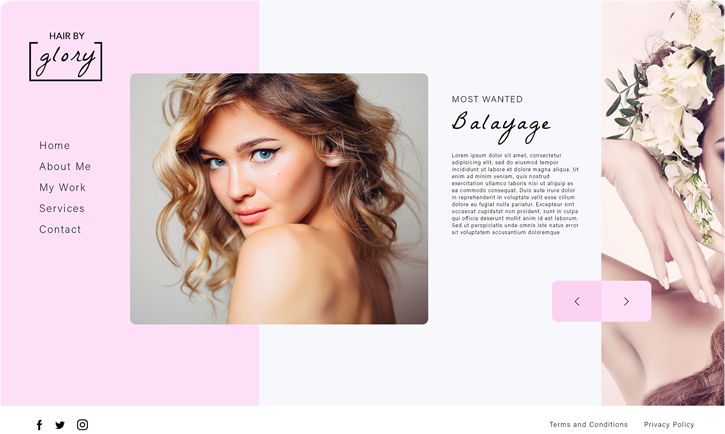
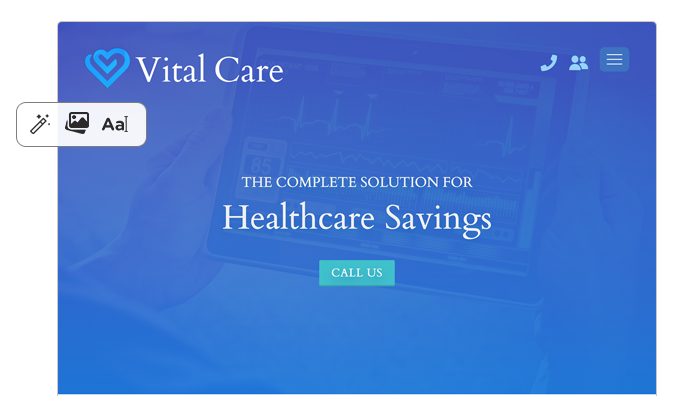
Pick a clean, luxury, playful, bold, or modern direction before the site is built.
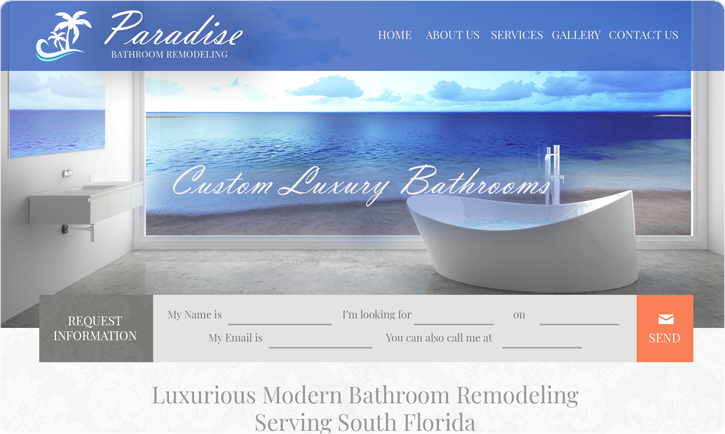
Create a polished hero, service sections, trust blocks, FAQs, and calls to action.
Generate a logo, search your domain, and keep the brand consistent.
Refine the details, connect your tools, and launch with clean business assets.
Search a clean, memorable domain name, then move into your logo, website, and launch tools without losing momentum.
Fast, secure hosting built for growing businesses. Launch your website in minutes with free SSL, automatic backups, blazing-fast performance, and expert support every step of the way.
Perfect for simple business websites and beginners.
Grow your website with more power and resources.
Advanced features for high-traffic websites.
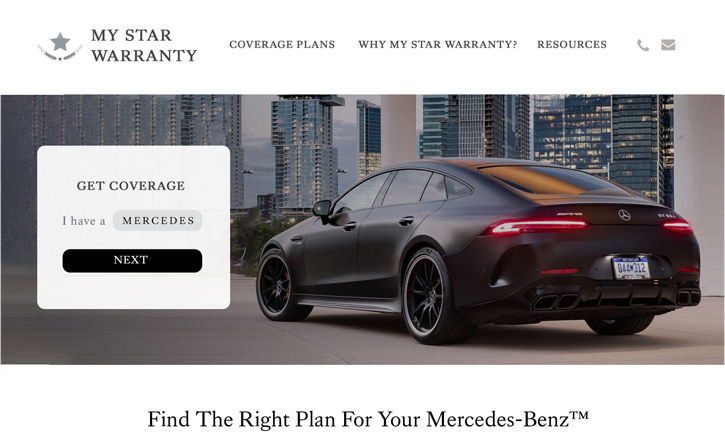
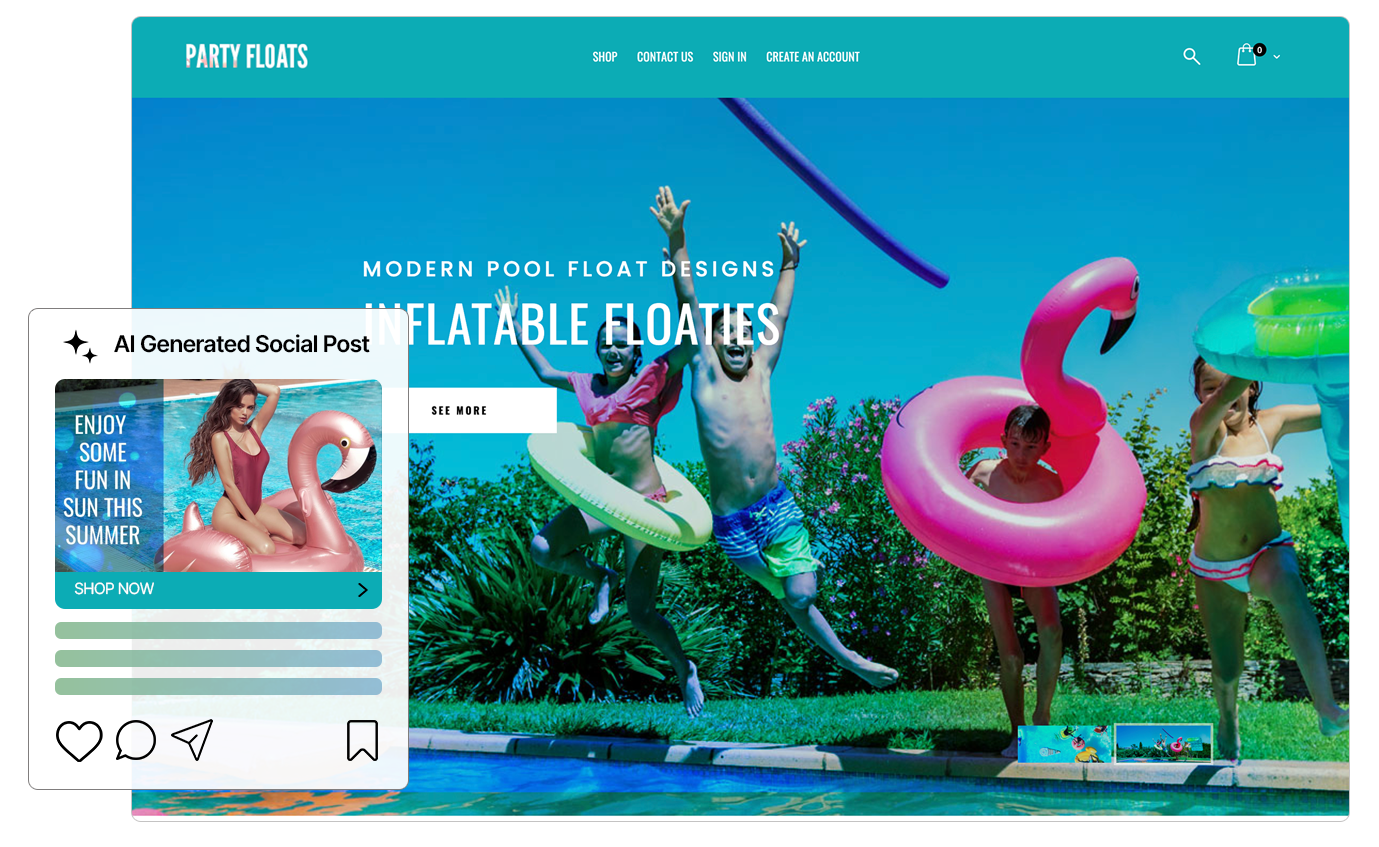
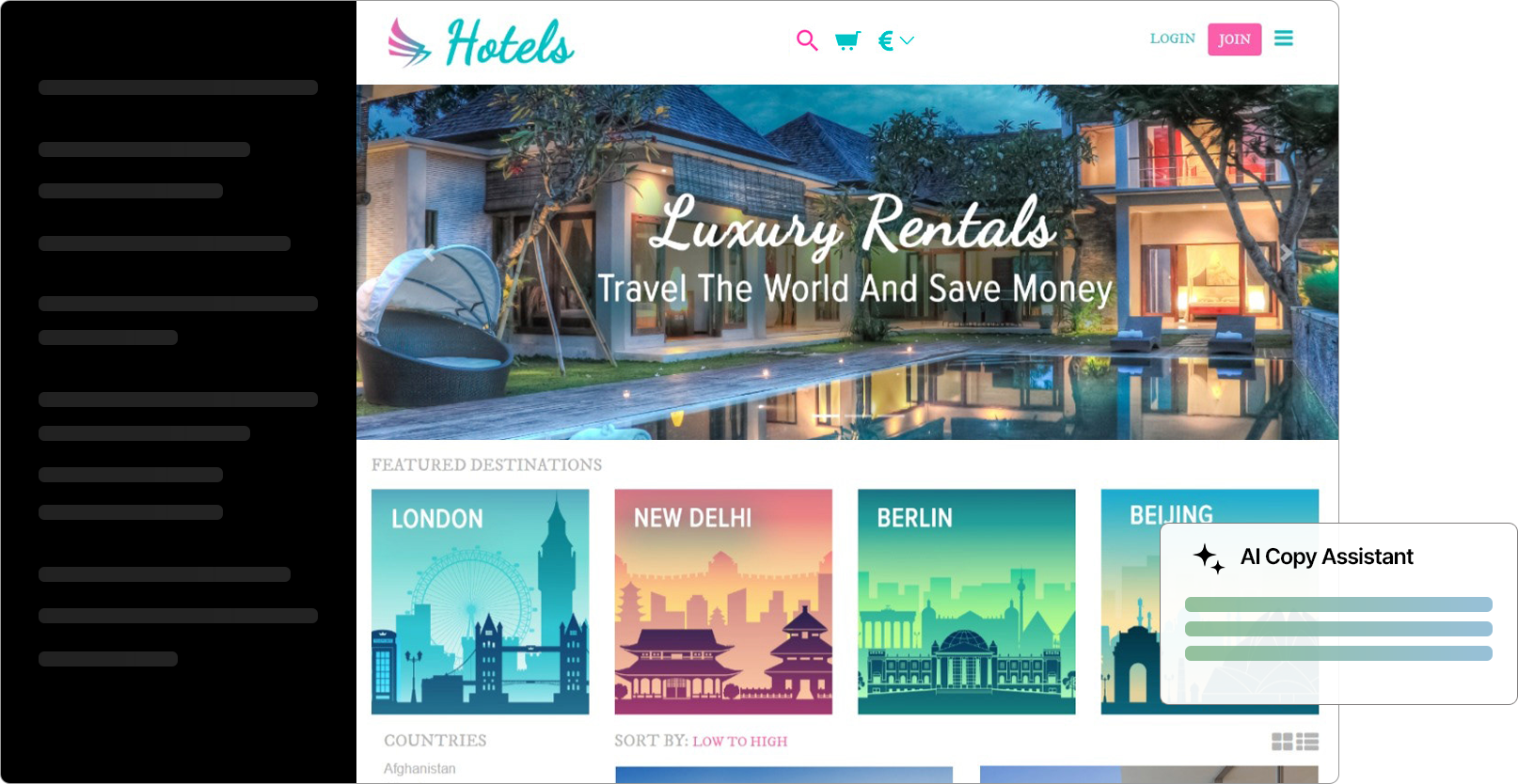
Share product updates, business tips, customer stories, and SEO content that helps people find Elite UI.

A simple logo can make a business easier to recognize, understand and remember—but only when simplification preserves the…
Read post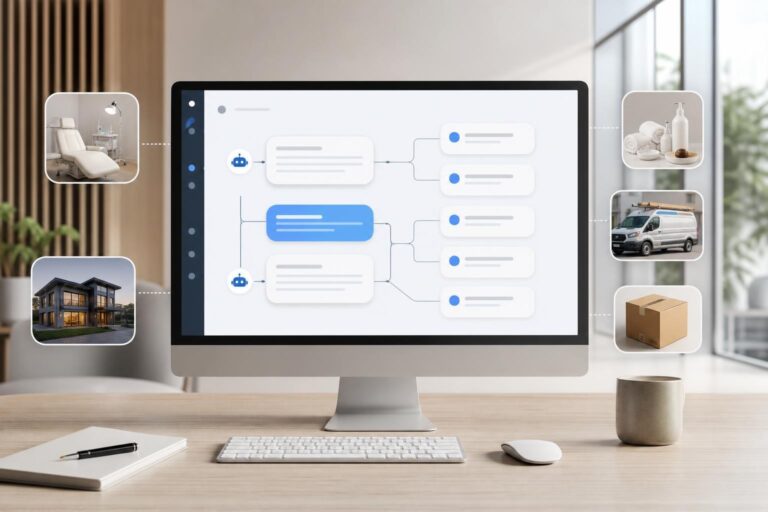
See where an AI customer service bot adds value across five customer-facing industries, which conversations to automate first,…
Read post
“Free SSL and backups” sounds reassuring, but the details determine how protected and recoverable your business website really…
Read postGet clear on what Elite UI can create, then choose the tool that moves your business forward fastest.
Back to toolsYou can create a website draft, logo concepts, social graphics, documents, and spreadsheets from one clean AI workspace.
Yes. The homepage guides you to describe your business, choose a style, generate sections, add a logo and domain, then publish when ready.
Yes. The homepage includes a domain search section so you can check a brand name before building around it.
No. Elite UI is built for business owners and creators who want guided prompts, clean layouts, and fast results without learning complicated software.
Yes. The AI Logo Generator can create previews, help refine the style, and move you toward a high-resolution brand file.
The AI Image Editor helps create and polish visuals for social posts, ads, banners, brand graphics, and launch content.
AI Spreadsheets help organize leads, revenue, jobs, content plans, lists, tables, and messy business data.
The Doc Editor helps write, rewrite, format, and polish proposals, notes, letters, marketing copy, and business documents.
Yes. The homepage and tools are designed around a cleaner mobile-first experience so users can start from their phone.
No. This theme only handles the homepage design. App pages and service pages can be handled by your separate plugins.
Yes. Elite UI can showcase access to millions of stock photos inside the Website Builder and AI Image Editor, and you can also upload your own images into the flow.
Yes. The homepage now includes an AI customer bot section for assistants that can answer website chat and Meta messages after being trained on your services, pricing, FAQs, service areas, and policies.
It can work for local services, medical offices, med spas, restaurants, real estate, law firms, salons, ecommerce, home services, coaches, events, and other businesses that answer repeat customer questions.
Start with the website or logo if you are building a brand, then use the image, document, and spreadsheet tools to create the supporting assets.