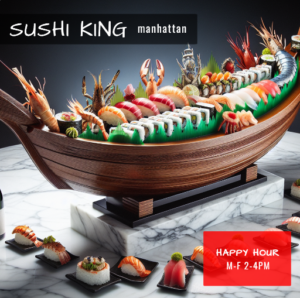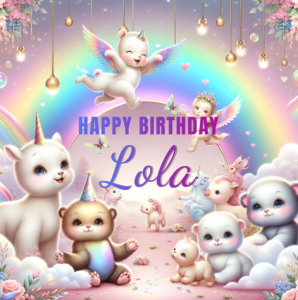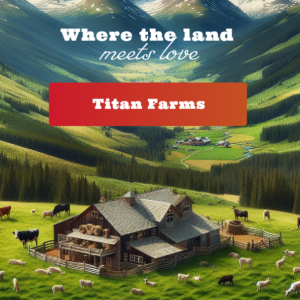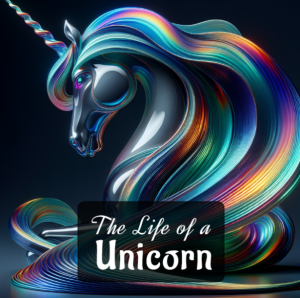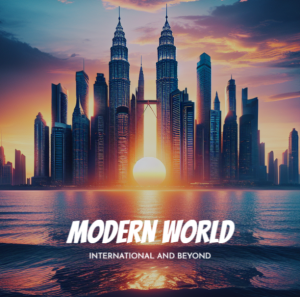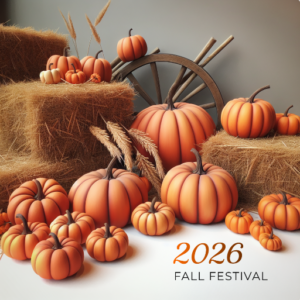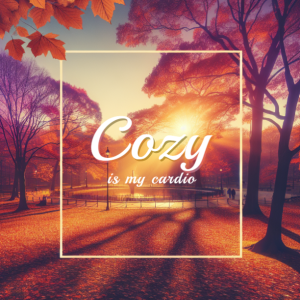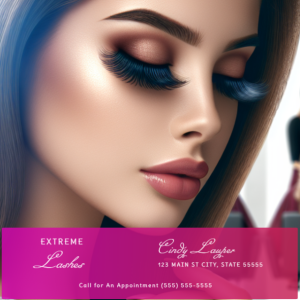

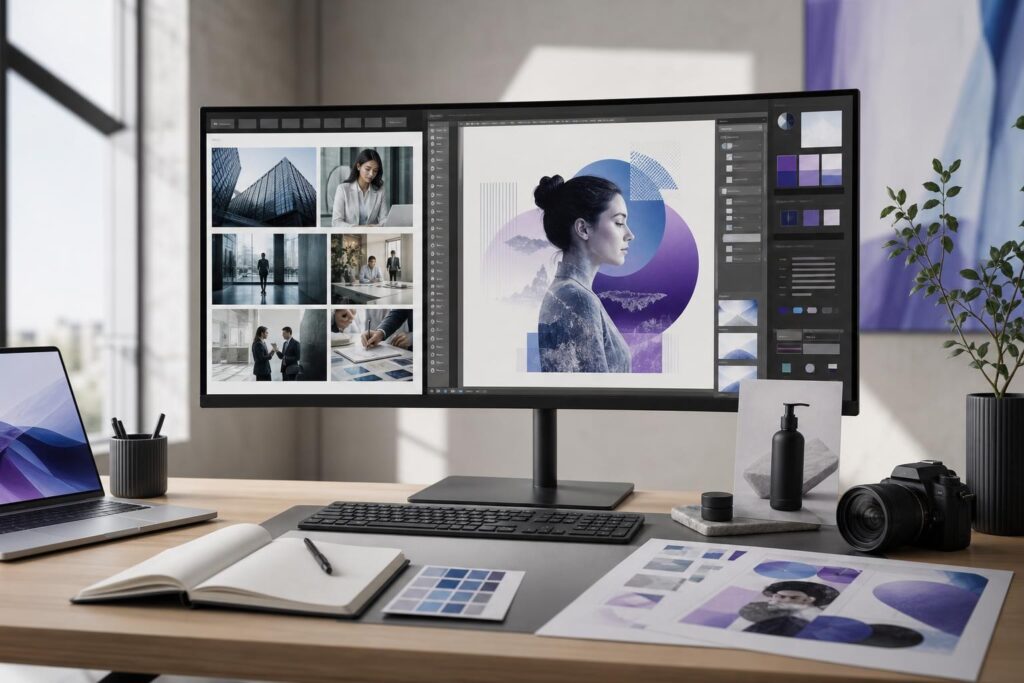
You need a visual for a landing page, advertisement or social post, but the obvious stock options feel generic. Generating a custom image sounds more distinctive, yet you may be unsure whether it will look believable, fit your brand or be appropriate for the campaign.
The choice between an AI image generator and stock photography is not about declaring one format universally better. It is about matching the image source to the job. Some marketing assets depend on authenticity. Others need a concept that would be difficult, expensive or simply tedious to find in a stock library.
A practical decision comes down to five factors: specificity, credibility, editing effort, repeatability and usage context.
The short answer: use stock for reality and AI for specificity
Stock photography is usually the stronger starting point when the visual needs to show a recognizable real-world situation quickly. AI-generated imagery becomes more useful when you need a tailored concept, unusual composition, controlled visual style or campaign idea that is unlikely to exist as a ready-made photo.
That distinction is not absolute, but it provides a reliable first filter:
- Choose stock photography when realistic people, places, services or environments are central to trust.
- Choose AI-generated imagery when the concept, mood, composition or brand direction matters more than documenting a real event.
- Use your own photography when customers need evidence of your actual team, work, location, products or results.
The third option matters. Neither stock nor generated imagery should be presented as proof of something your business actually did when it did not.
When stock photography is the better business choice
Stock photos solve a straightforward production problem: you need a polished, usable image without arranging a photo shoot. A relevant image can often support a page or campaign with minimal concept development.
You need familiar realism
For professional services, healthcare-adjacent content, home services and other trust-sensitive categories, natural human expressions and believable settings can matter more than visual novelty. A carefully selected stock photo may feel more grounded than a generated scene.
Stock can work well for supporting editorial content, presentation backgrounds, general lifestyle themes and secondary website sections. The image does not always need to be unique; it needs to help the visitor understand the message without creating doubt.
You need to publish quickly
If a suitable image already exists, searching and selecting may be faster than developing a generated concept through several iterations. This is especially true for routine blog posts, internal materials or short-lived announcements where extensive art direction would add little value.
The subject must be visually accurate
Specific equipment, technical procedures, destinations, architectural styles and regulated contexts can require factual accuracy. A real photograph from an appropriate source is often safer than relying on a generated interpretation.
Stock still requires judgment. Check the image source’s current license and usage terms, avoid visuals that imply false endorsements, and look closely for details that could misrepresent your service or audience.
When an AI image generator is the better choice
AI generation is particularly useful when the visual in your head is easy to describe but difficult to find. Instead of adapting your campaign to the closest available stock image, you can develop an image around the campaign.
You need a specific concept or composition
Imagine a software startup that wants a clean editorial visual showing several disconnected tasks becoming one organized workflow. That is an abstract business idea, not a standard photo subject. A generated image can express the concept without forcing the team to settle for another generic office scene.
The same applies to stylized product backdrops, fictional environments, seasonal campaign concepts and metaphor-driven blog imagery. You can define the subject, visual mood, framing and space needed for surrounding copy.
You want a more consistent campaign direction
A campaign may need a hero image, several social graphics and supporting visuals that feel related. Stock searches can produce individually strong images with noticeably different lighting, color and composition.
Generation gives you a way to pursue a shared creative direction across those assets. Consistency still takes iteration and review, but you are not limited to what different photographers happened to upload.
You want to explore before committing
Early-stage teams do not always know whether a campaign should feel minimal, energetic, technical or lifestyle-oriented. Generating concepts can help compare directions before investing more time in final production.
The Elite UI AI Image Editor and Image Generator supports this kind of workflow by bringing image generation together with uploads, stock images, text, shapes, effects, layers and export tools. That makes it possible to move from visual exploration into practical asset assembly without treating generation as an isolated step.
Compare the options against the actual marketing job
Before choosing a source, write down where the image will appear and what the viewer must believe, feel or do after seeing it. Then evaluate the options using these questions:
- Does the image need to document reality? Use original photography when proof is essential. Use appropriate stock when representative realism is sufficient.
- How specific is the desired idea? The harder the concept is to search for, the more useful generation becomes.
- Will customers inspect small details? Product, property and process imagery often deserves closer factual review.
- How many related assets are needed? A coordinated campaign may benefit from a repeatable generated art direction.
- How much editing remains? Include cropping, text placement, background cleanup, color adjustment and output preparation in the decision.
- What usage terms apply? Review the current terms of the stock provider, generation tool and any uploaded source material before commercial use.
This prevents a common mistake: choosing the fastest image to obtain rather than the image that best supports the message.
Business examples: which source fits?
Local service website
A contractor should prioritize original photos of completed work, the real team and actual service vehicles when available. Stock can support general educational content. Generated imagery may help with abstract promotion graphics, but it should not imitate a completed customer project.
Ecommerce campaign
Real product photography remains important when shoppers need to evaluate the item they will receive. AI-generated backgrounds or conceptual campaign scenes may help frame those real product assets, provided the final composition does not misrepresent the product.
Professional services firm
Stock may suit a supporting page about collaboration or planning. Generated editorial visuals can be stronger for abstract subjects such as risk management, operational complexity or business transformation. Real team photos remain the clearest option for an About page.
Creator or small agency
Generated images can support distinctive thumbnails, content series and client concept boards. Stock remains useful when the deadline is short and originality is not central to the deliverable.
Startup landing page
A generated visual can communicate a product concept that is not naturally photographic. For the interface itself, use accurate product screens or polished mockups rather than inventing features visually. Teams building the surrounding page can also explore the AI Website Builder as a complementary launch workflow.
A hybrid workflow is often better than a strict choice
Many effective assets combine sources. You might begin with a stock photo or uploaded product image, adjust its composition, add shapes and text, and use generated imagery for a complementary background or conceptual element.
A practical workflow looks like this:
- Define the asset’s purpose, format and audience.
- Decide which parts must be real and which can be conceptual.
- Collect original or stock source material where accuracy matters.
- Generate options for the elements that need specificity or visual distinction.
- Assemble and refine the asset using layers, effects, text and shapes.
- Review details, brand fit, claims and usage terms before export.
This approach avoids forcing one source to do every job. It also keeps the business message in control of the creative process.
Common objections and decision questions
Will an AI-generated image look artificial?
It can, particularly when the scene includes complex anatomy, unusual object interactions or highly specific real-world details. The answer is not to assume every output is ready to publish. Generate alternatives, inspect the full image, reject distracting details and use editing tools to improve the final composition.
If realistic documentation is essential, choose real photography instead. Generation works best when you can review it as creative material rather than automatic proof.
Is stock photography too generic?
Not necessarily. Generic results often come from generic searches and unchanged downloads. More precise subject selection, tighter cropping, intentional color treatment and thoughtful placement can make stock feel relevant. However, if you repeatedly fail to find the composition or idea you need, generation may be the more efficient path.
Does an image generator replace a designer?
No. A self-serve editor can reduce production friction for founders, marketers and creators who know the message they need to communicate. Designers remain valuable for complex brand systems, major campaigns, art direction and high-stakes visual decisions.
Is an AI image editor and generator a fit for you?
It is likely a good fit if you frequently create social graphics, campaign visuals, blog images, concept art or promotional assets and regularly struggle to find stock that matches the idea. It is also useful when your workflow currently jumps between separate generation, image sourcing and editing steps.
It may be less suitable as the primary source when the asset must prove a real result, show an exact product, document a property or represent an actual employee or customer. In those cases, begin with authentic photography and use editing tools only where the changes remain accurate and appropriate.
The goal is not to stop using stock. It is to stop letting the limitations of a stock search dictate every creative decision. For your next campaign, identify what must be real, generate what needs to be specific, and assemble the result around one clear marketing message.
Ready to turn a hard-to-find visual idea into an editable business asset? Create an AI Image.
Ready to Turn This Into a Faster Workflow?
Try AI Image Editor & Image Generator inside Elite UI and move from research into a real business-ready result.
Product features, pricing, plan details and availability may change. Check the current Elite UI product page for the latest information before purchasing or publishing.