Launch Your
Business Faster
With AI.
Build websites, logos, find domains, and access powerful tools to grow your brand—everything in one place.
AI Workspace for Business Launches
Create your website, logo, images, documents, spreadsheets, and launch assets from one clean set of AI tools.
AI Website Builder
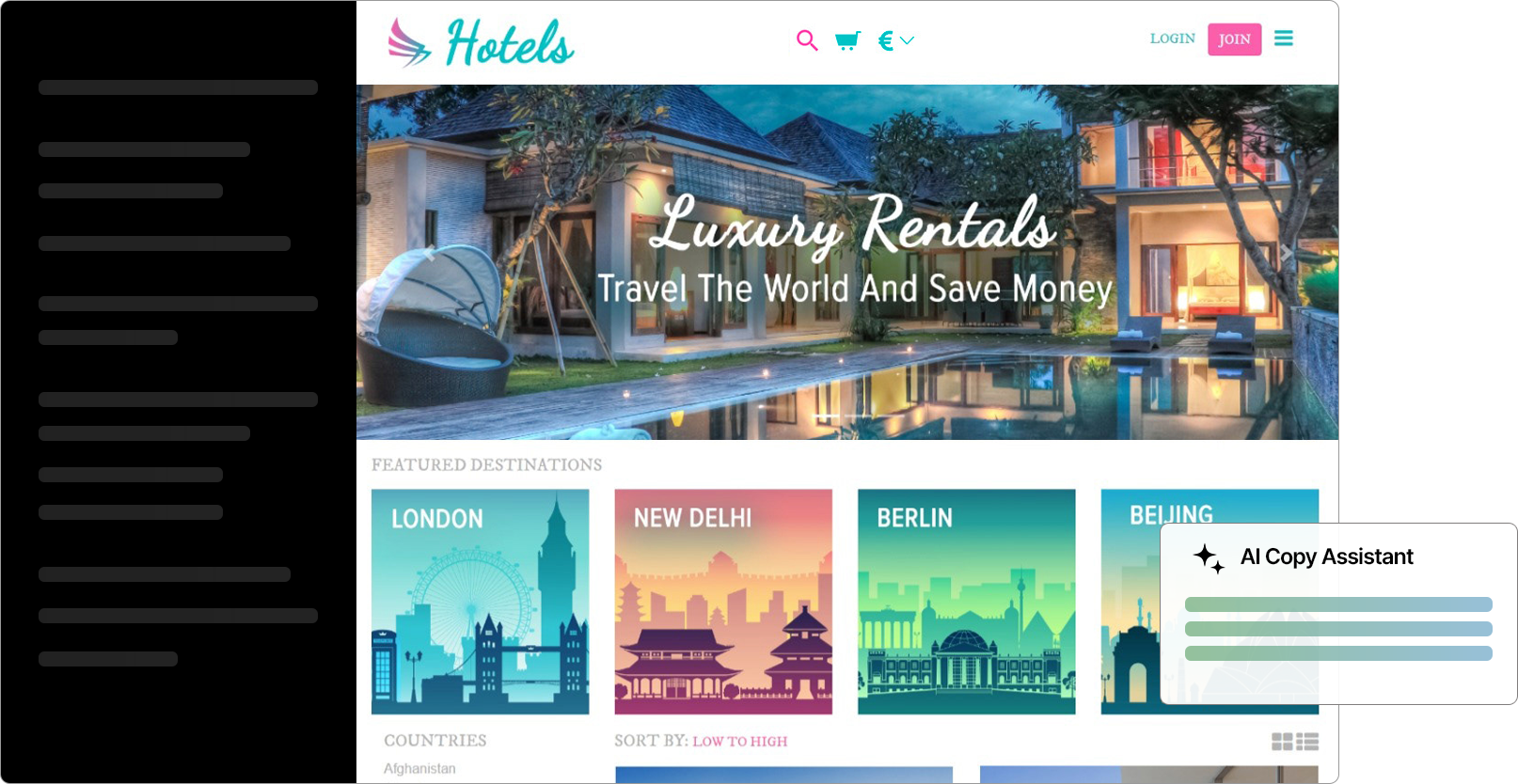
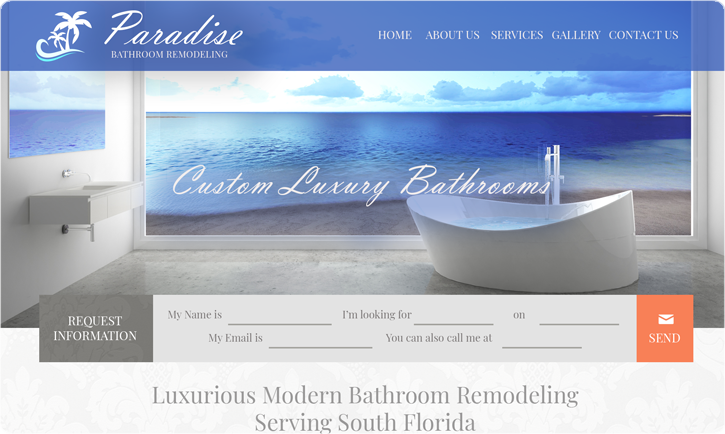
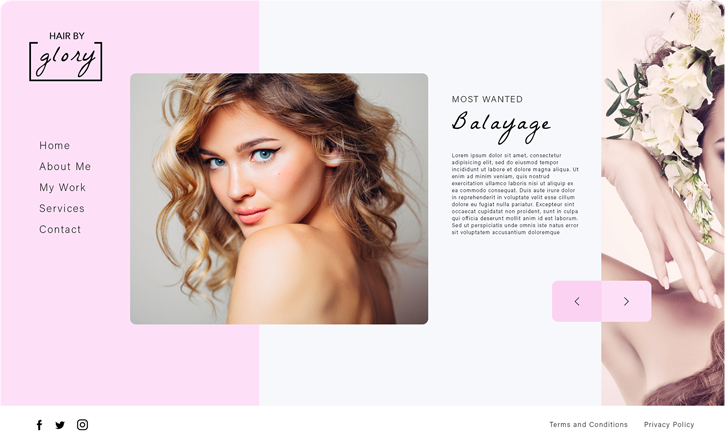
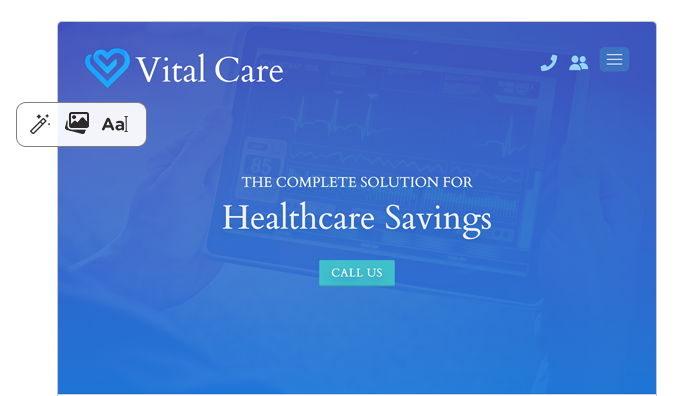
Answer a few guided questions, generate a clean website draft, add your logo and domain, then publish when the brand feels ready.
Domain Search
Search for a clean brand domain, lock in the name direction, and move straight into your website, logo, and launch assets.
AI Image Editor
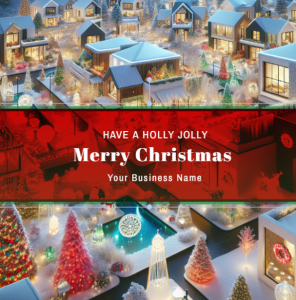
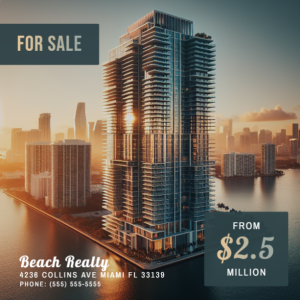
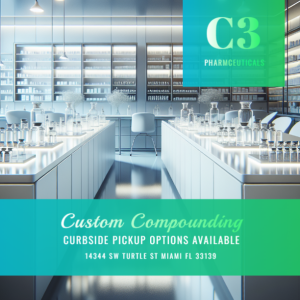
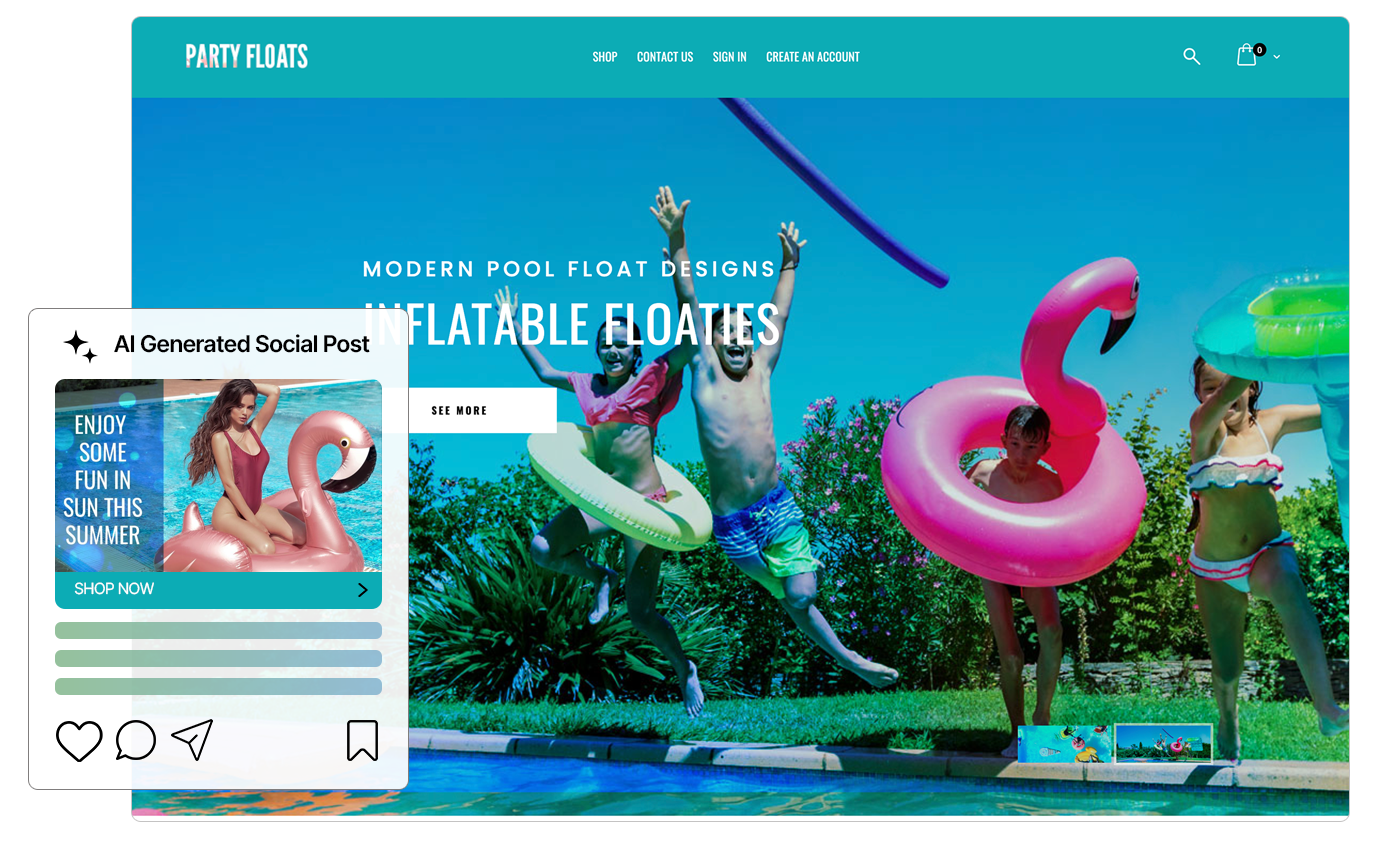
Generate images, edit layouts, add text, polish graphics, and export social-ready visuals from one clean editor.
AI Spreadsheets
Clean lists, structure tables, organize leads, track revenue, and turn messy business data into useful sheets.
AI Logo Generator
Create premium logo previews, refine the look with prompts, then buy the high-resolution file only when it feels right.
AI Doc Editor
Draft, rewrite, format, and export clean business documents without fighting a cluttered editor.
AI Customer Service Bot
Feed your bot your services, prices, FAQs, policies, service areas, and booking steps so it can answer customers instantly, capture leads, and help route real conversations while you work.
AI Business Website Builder
Elite UI can guide visitors from an idea to a launch-ready direction without making them figure out where to start.
Describe your business website
Enter the business name, service, location, audience, and the style you want.
Choose your website design style
Pick a clean, luxury, playful, bold, or modern direction before the site is built.
Generate your homepage draft
Create a polished hero, service sections, trust blocks, FAQs, and calls to action.
Add your logo and domain name
Generate a logo, search your domain, and keep the brand consistent.
Publish your business website
Refine the details, connect your tools, and launch with clean business assets.
Find a domain
that fits your brand
Search a clean, memorable domain name, then move into your logo, website, and launch tools without losing momentum.
and small businesses ★★★★★ 4.9/5 from 2,000+ users
mobile-ready website
in minutes.
matches your brand.
and own your brand
online.
Website Hosting Plans
Fast, secure hosting built for growing businesses. Launch your website in minutes with free SSL, automatic backups, blazing-fast performance, and expert support every step of the way.
Included Automatic
Backups Blazing-Fast
Performance Expert Support
24/7
Basic Shared Hosting
Perfect for simple business websites and beginners.
- Simple business websites
- Domain-ready setup
- WordPress hosting basics
Medium Shared Hosting
Grow your website with more power and resources.
- Grow your website
- More storage & bandwidth
- Great for small businesses
Business Shared Hosting
Advanced features for high-traffic websites.
- High performance & speed
- Free SSL certificate
- Priority support & more
AI Website Builder Tips
Share product updates, business tips, customer stories, and SEO content that helps people find Elite UI.

The Hear-It, Type-It Domain Test: Choose a Business Name Without Spelling Friction
A strong domain should survive spoken recommendations, mobile typing and first-time spelling. Use this practical test to find…
Read post
How to Write a Custom Website Brief Before Hiring a Designer or Developer
A useful custom website brief gives designers and developers the context they need to recommend the right structure,…
Read post
The Website Launch Stack: How Hosting Connects Domain, Design, SSL and Backups
A successful website launch depends on more than design. Use this practical framework to connect your domain, hosting,…
Read postAI Website Builder FAQs
Get clear on what Elite UI can create, then choose the tool that moves your business forward fastest.
Back to toolsWhat can I create with Elite UI?
You can create a website draft, logo concepts, social graphics, documents, and spreadsheets from one clean AI workspace.
Can I start with a website?
Yes. The homepage guides you to describe your business, choose a style, generate sections, add a logo and domain, then publish when ready.
Can I search for a domain?
Yes. The homepage includes a domain search section so you can check a brand name before building around it.
Do I need design experience?
No. Elite UI is built for business owners and creators who want guided prompts, clean layouts, and fast results without learning complicated software.
Can I make a logo first?
Yes. The AI Logo Generator can create previews, help refine the style, and move you toward a high-resolution brand file.
What does the Image Editor do?
The AI Image Editor helps create and polish visuals for social posts, ads, banners, brand graphics, and launch content.
What are AI Spreadsheets for?
AI Spreadsheets help organize leads, revenue, jobs, content plans, lists, tables, and messy business data.
What does the Doc Editor help with?
The Doc Editor helps write, rewrite, format, and polish proposals, notes, letters, marketing copy, and business documents.
Is Elite UI mobile friendly?
Yes. The homepage and tools are designed around a cleaner mobile-first experience so users can start from their phone.
Does this theme create extra pages?
No. This theme only handles the homepage design. App pages and service pages can be handled by your separate plugins.
Do the Website Builder and Image Editor include stock photos?
Yes. Elite UI can showcase access to millions of stock photos inside the Website Builder and AI Image Editor, and you can also upload your own images into the flow.
Can Elite UI add an AI bot for customer messages?
Yes. The homepage now includes an AI customer bot section for assistants that can answer website chat and Meta messages after being trained on your services, pricing, FAQs, service areas, and policies.
What types of businesses can use the AI customer bot?
It can work for local services, medical offices, med spas, restaurants, real estate, law firms, salons, ecommerce, home services, coaches, events, and other businesses that answer repeat customer questions.
What should I start with?
Start with the website or logo if you are building a brand, then use the image, document, and spreadsheet tools to create the supporting assets.